Abang Ojol
Sign Up

How to Claim a Bonus or Promotion

  1. Open the Promotions page and open a promotion to read its terms.How to Claim a Bonus or Promotion
  2. Open Deposit, enter the amount, choose the receiving account and continue.
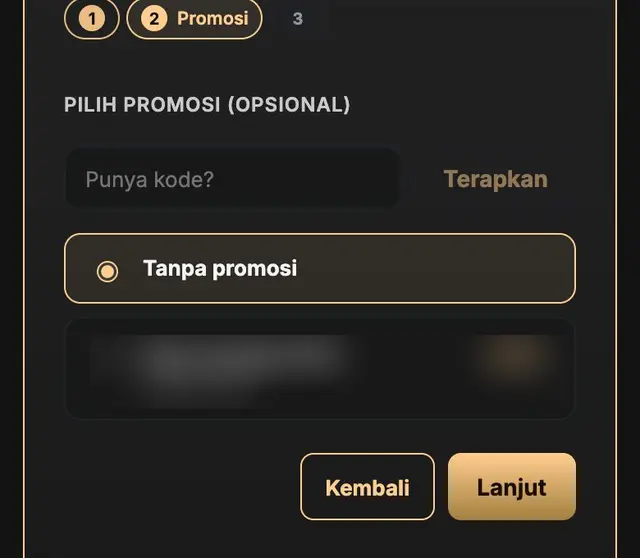
  3. At the promotion choice, pick your promotion. If you have a promotion code, enter it and apply it.How to Claim a Bonus or Promotion
  4. Continue and finish your deposit.

Have a bonus code? Enter it in the Bonus code menu in your account. On a bonus card with a claim button, press it, the code is filled in for you, then press Redeem. Each bonus is granted according to the terms of its promotion.

Abang Ojol

How to Claim a Bonus or Promotion

  1. Open the Promotions page and open a promotion to read its terms.How to Claim a Bonus or Promotion
  2. Open Deposit, enter the amount, choose the receiving account and continue.
  3. At the promotion choice, pick your promotion. If you have a promotion code, enter it and apply it.How to Claim a Bonus or Promotion
  4. Continue and finish your deposit.

Have a bonus code? Enter it in the Bonus code menu in your account. On a bonus card with a claim button, press it, the code is filled in for you, then press Redeem. Each bonus is granted according to the terms of its promotion.